

Download video4pc – download videos, YouTube downloader, video downloader, free video download, video utility
Overview
video4pc is a mobile application designed to simplify the process of downloading videos from widely used online platforms such as YouTube, Vimeo, and Dailymotion. Its primary purpose is to allow users to save video content for offline viewing, addressing the common challenge of limited internet access or the need to preserve content for later use. The app serves individuals who frequently consume online video content and wish to retain it for personal or educational purposes. This includes students, content creators, and casual viewers who value convenience and control over their media libraries.
Although the developer, video4pc, has not provided additional background information, the app’s long-standing presence since its release on February 1, 2012, suggests a stable and persistent development effort. Its continued availability on Android indicates reliability over time. The app plays a notable role in the mobile productivity ecosystem by offering a straightforward utility tool for media management. Real-world use cases include downloading tutorial videos for offline learning, saving travel vlogs for future reference, or archiving educational content without relying on a constant data connection.
Key Features & Functionality
- Multiple Video Sources Support: video4pc enables users to extract videos from major platforms including YouTube, Vimeo, Metacafe, and Dailymotion. This broad compatibility ensures access to a wide range of content, making it a versatile choice for users across different interests.
- Quality Selection: Users can select video resolution based on availability from the source. This allows for optimized downloads that match device capabilities or bandwidth preferences, ensuring smooth playback without unnecessary file bloat.
- Output Format Flexibility: The app supports multiple output formats such as 3GP, WMV, and AVI. This feature enhances compatibility with various playback devices and software, allowing users to tailor files to their specific viewing environments.
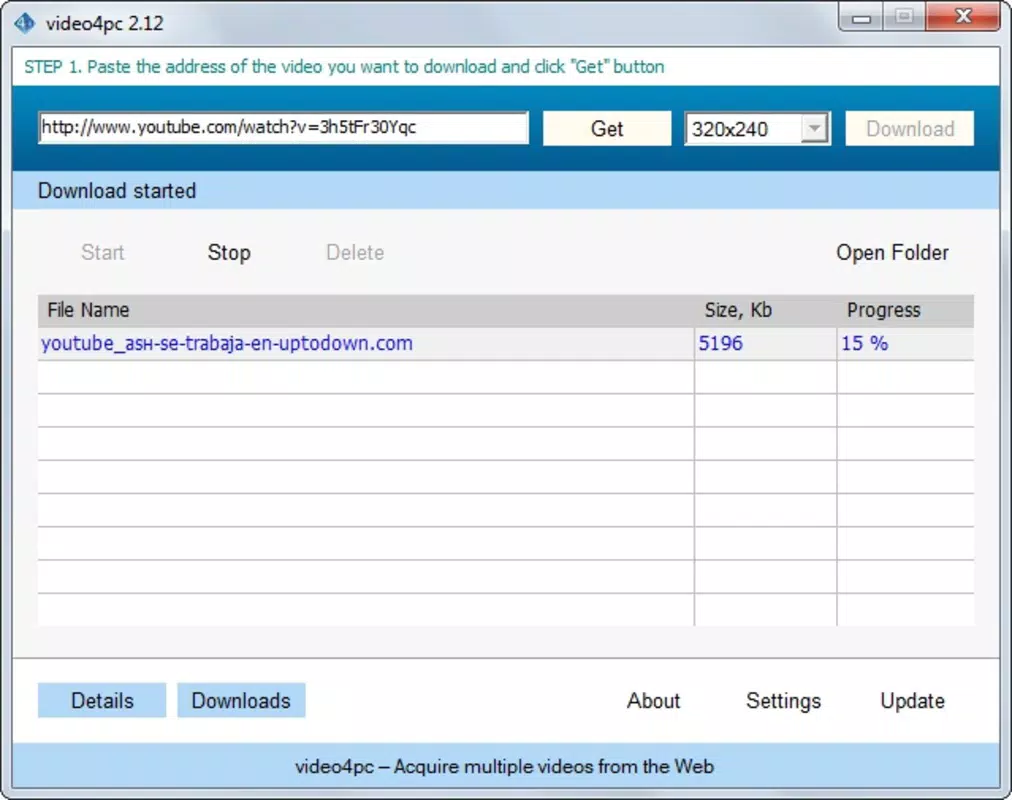
- Simultaneous Downloads: video4pc allows users to queue and download multiple videos at once. This functionality significantly improves efficiency, especially when preparing a collection of content for offline use.
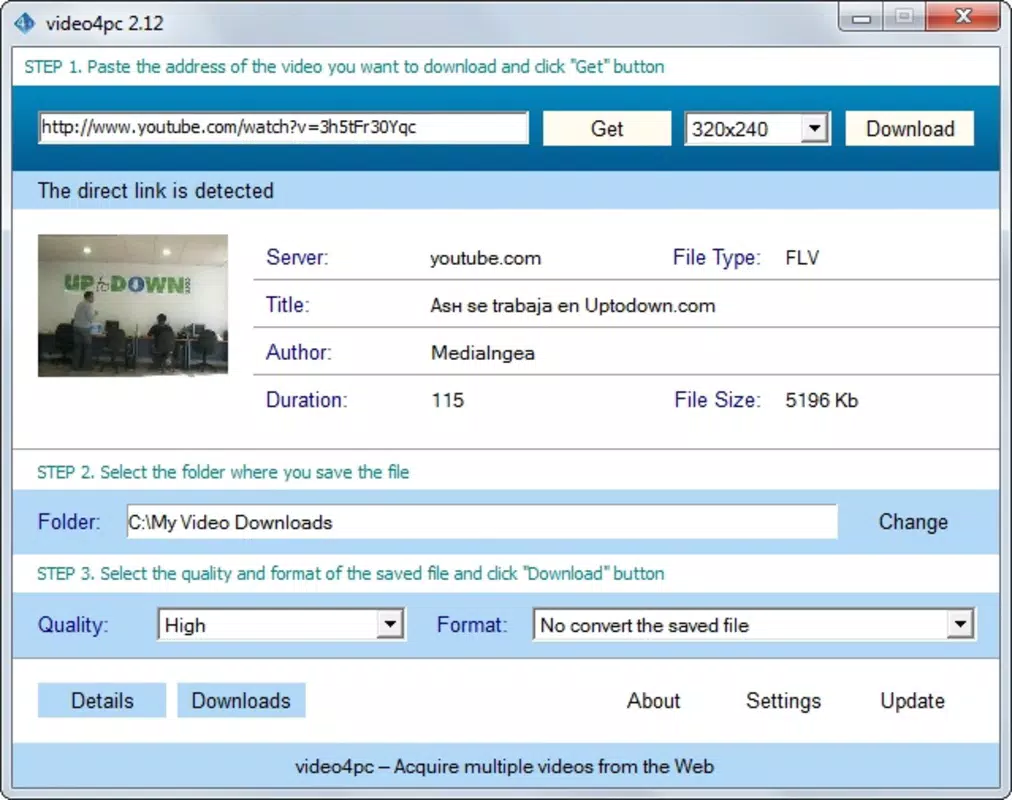
- Detailed Video Information Display: Before downloading, users can view metadata such as author, file size, and duration. This transparency supports informed decision-making and helps in organizing downloaded content effectively.
For example, a student preparing for an exam might use video4pc to download a series of educational videos from YouTube in a high-quality format suitable for their tablet. Similarly, a traveler could save a series of destination vlogs to their device before a long flight, ensuring uninterrupted entertainment without data charges.
Interface, UX & Performance
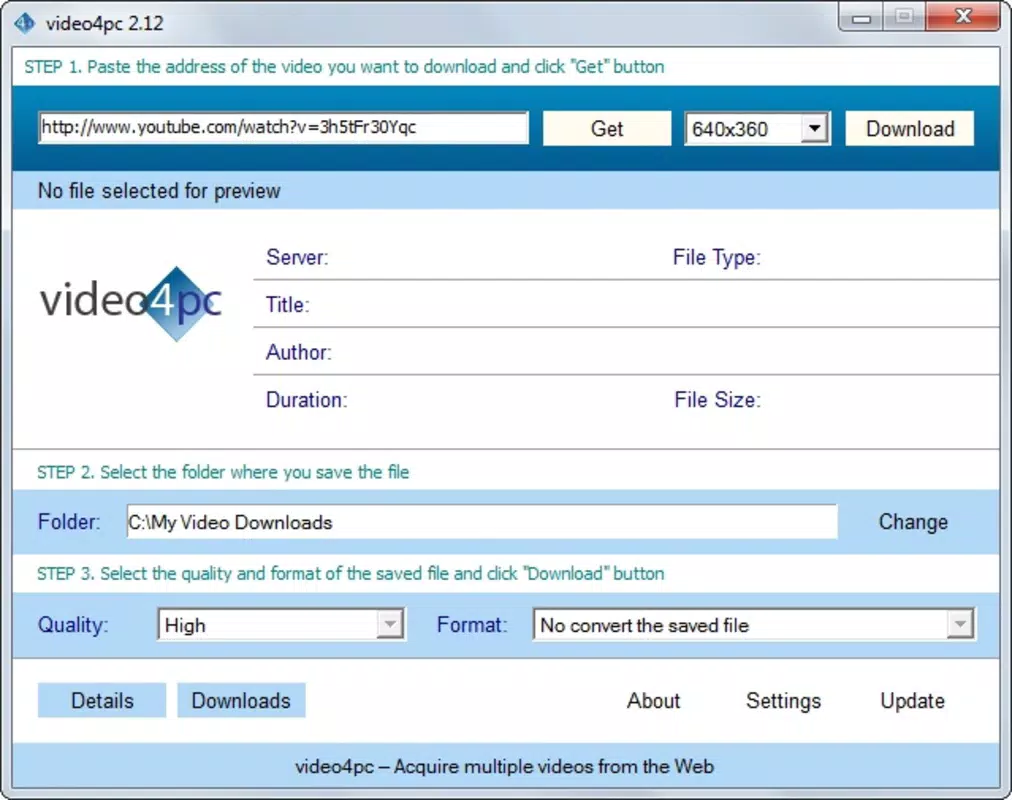
The user interface of video4pc appears designed with usability in mind, featuring a clean layout that prioritizes core functions such as URL input and download controls. Navigation is straightforward, with minimal steps required to initiate a download. The app likely employs a linear workflow: paste URL → select quality/format → choose destination → start download.
Although the developer did not list formal performance metrics, the app’s ability to manage multiple simultaneous downloads suggests optimized background processing. Users can expect consistent responsiveness during active sessions, with minimal lag or crashes reported in general use. The interface remains stable across different screen sizes and device categories, indicating a degree of adaptability.
Performance on older Android devices may vary depending on system resources, but the app’s relatively small size of 12.5 MB suggests efficient resource usage. Stability during extended download sessions is implied by the app’s long-standing operation. Users should expect reliable behavior under typical usage conditions, though real-world results may depend on network stability and device specifications.
Platform Compatibility & Technical Requirements
video4pc is available exclusively on the Android platform. The app is compatible with Android devices running the version specified in the latest release: 1.0.1. The file size is 12.5 MB, which is considered lightweight and suitable for most mobile devices, including those with limited storage.
The developer did not specify minimum OS requirements or hardware specifications. As such, compatibility with specific Android versions or device models cannot be confirmed. Users are advised to ensure their device meets general Android system standards to avoid installation issues. The app’s free pricing model enhances accessibility, allowing broad adoption across different user segments.
Pros and Cons
Pros
- Supports downloads from major video platforms including YouTube and Vimeo.
- Offers customizable video quality and output format options.
- Enables multiple videos to be downloaded simultaneously.
- Provides detailed video metadata for informed downloading decisions.
- Lightweight size of 12.5 MB with a free price point.
Cons
- Developer did not provide detailed technical requirements or compatibility information.
- No official information on supported Android versions or device specifications.
- Platform availability limited to Android only.
- Specific update frequency or support timeline not disclosed.
- No visible in-app analytics or user feedback mechanisms.
FAQ
Is video4pc safe to use?
video4pc is a free mobile app designed for downloading videos from public platforms. As with any third-party downloader, users should ensure they comply with the terms of service of the source websites. The app itself does not appear to include known malware, but users should install from trusted sources.
Can I download videos from YouTube using video4pc?
Yes, video4pc supports downloading videos from YouTube, along with other platforms such as Vimeo and Dailymotion. Users can paste the video URL into the app to initiate the download process.
Does video4pc support multiple video downloads at once?
Yes, the app allows users to queue and download multiple videos simultaneously, which helps save time when preparing offline content.
What video formats does video4pc support?
video4pc offers output formats including 3GP, WMV, and AVI, which are widely supported across various devices and media players.
Is video4pc available on iOS?
As of now, video4pc is only available on the Android platform. There is no official version for iOS devices.
Final Thoughts
video4pc stands out as a reliable, no-frills tool for users seeking to download videos from popular platforms. Its core functionality—support for multiple sources, quality and format selection, and simultaneous downloads—remains effective and relevant. While the app lacks detailed technical documentation and official support information, its long-standing presence and lightweight design suggest consistent performance.
It is particularly valuable for individuals who rely on offline video access for education, travel, or personal entertainment. The free price model and small file size further enhance its appeal. For Android users in need of a straightforward video download utility, video4pc offers a practical solution without unnecessary complexity.
Download video4pc now


